Browse and develop components in Storybook
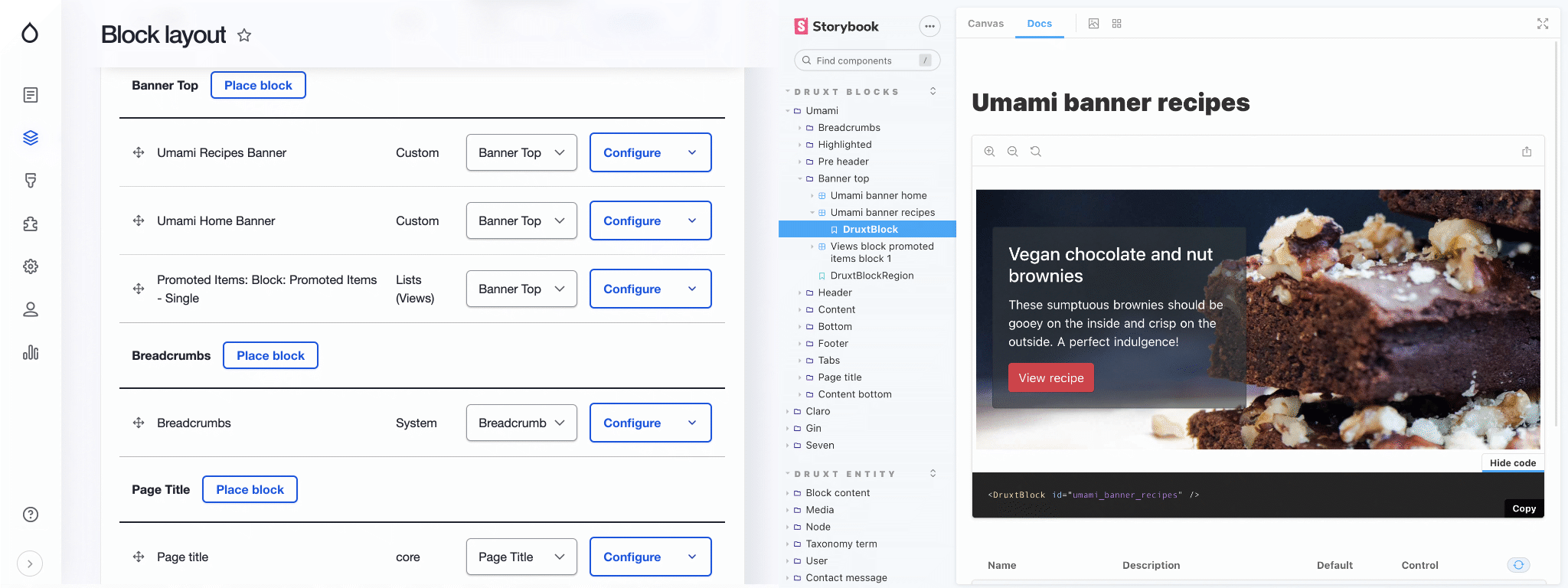
Zero-config Storybook with auto-generated stories fed by live Drupal data.
Druxt provides zero-config, auto generated Storybook integration with live data.
Before you start: this guide assumes a working Druxt site. See Getting started.
Features
- Access to Druxt components, modules, stores and more within Storybook.
- Auto-generated stories based on live data.
- Support for Blocks, Entities, Menus and Views.
Set up Storybook
-
Install the Nuxt Storybook module, pinned to the 4.x line. Later majors require
@nuxt/kitand Nuxt 3, which this Nuxt 2 stack does not provide:npm i -D @nuxtjs/storybook@4.2.0 @storybook/addon-docs -
Run Storybook:
npx nuxt storybook