Site
Out-of-the-box decoupled Drupal sites with DruxtSite, wiring layout, blocks, menus and content together from one Nuxt module.
DruxtSite gives you an out-of-the-box Drupal site experience with a Nuxt.js frontend.
DruxtSite combines Drupal, Nuxt and Druxt into a Vue.js theme layer for Drupal.
Getting started
All Druxt sites need both Drupal (backend) and Nuxt (frontend) to be installed.
Each codebase can live in its own directory within one repository, or exist in separate repositories.
- For an example combining both into one repository, see the Quickstart DruxtSite repository.
- For an example of individual repositories, see:
Drupal
-
Download the Drupal Druxt module:
composer require drupal/druxt -
Install the module:
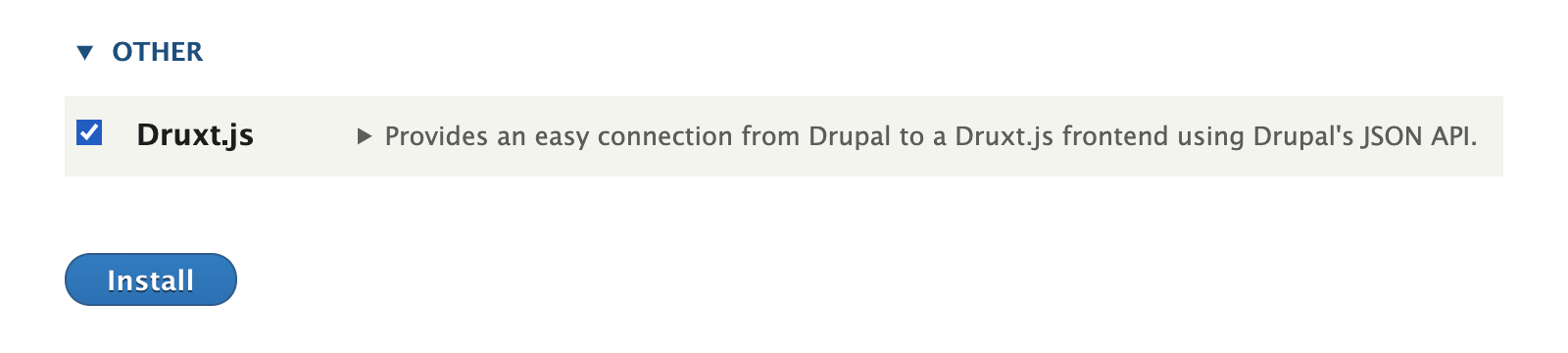
-
Add the "access druxt resources" permission to a user/role:

Nuxt
-
Start from a Nuxt 2 project. DruxtSite targets Nuxt 2 and Vue 2, so
npx create-nuxt-appis not a route to one any more: it now scaffolds Nuxt 3 or later, which DruxtSite does not support.The quickstart gives you a working Nuxt 2 tree with Druxt already wired in:
npx giget@latest gh:druxt/quickstart#develop my-druxt-siteTo add DruxtSite to an existing project instead, continue from step 2. It must be on Nuxt 2.
-
Install the Site module:
npm i druxt-site -
Add the module and configuration to
nuxt.config.js:export default { modules: ['druxt-site'], druxt: { baseUrl: 'https://demo-api.druxtjs.org', }, };* Replace
https://demo-api.druxtjs.orgwith your own Drupal backend. -
Add the
DruxtSitecomponent to your page or layout:<template> <DruxtSite :theme="theme" /> </template> -
Start Nuxt:
npm run dev