Entity
Drupal Display Mode powered Entity, Form and Field Druxt components.
Features
- Vue.js components:
- DruxtEntity: Render a Drupal Content Entity by UUID
- DruxtEntityForm: Render a Drupal Content Entity form
- Druxt settings: Include and filter resource fields
- Druxt Router integration
- @nuxtjs/Storybook integration
Installation
-
Download the module:
npm i druxt-entity -
Add the module to
nuxt.config.js:export default { modules: ['druxt-entity'], };
Vue.js Components
DruxtEntity
Renders a Drupal Content Entity by JSON:API resource type, UUID, view mode and schema type.
Fields are rendered as DruxtField components, based on the Drupal display mode configuration.
<DruxtEntity :type="resourceType" :uuid="uuid" :mode="displayMode" />
- For more details, refer to the DruxtEntity component API documentation.
DruxtEntityForm
Renders a Drupal Content Entity form with submission and validation support.
<DruxtEntityForm
  :type="resourceType"
  :mode="displayMode"
  @error="onError"
  @submit="onSubmit"
  v-model="entity"
/>
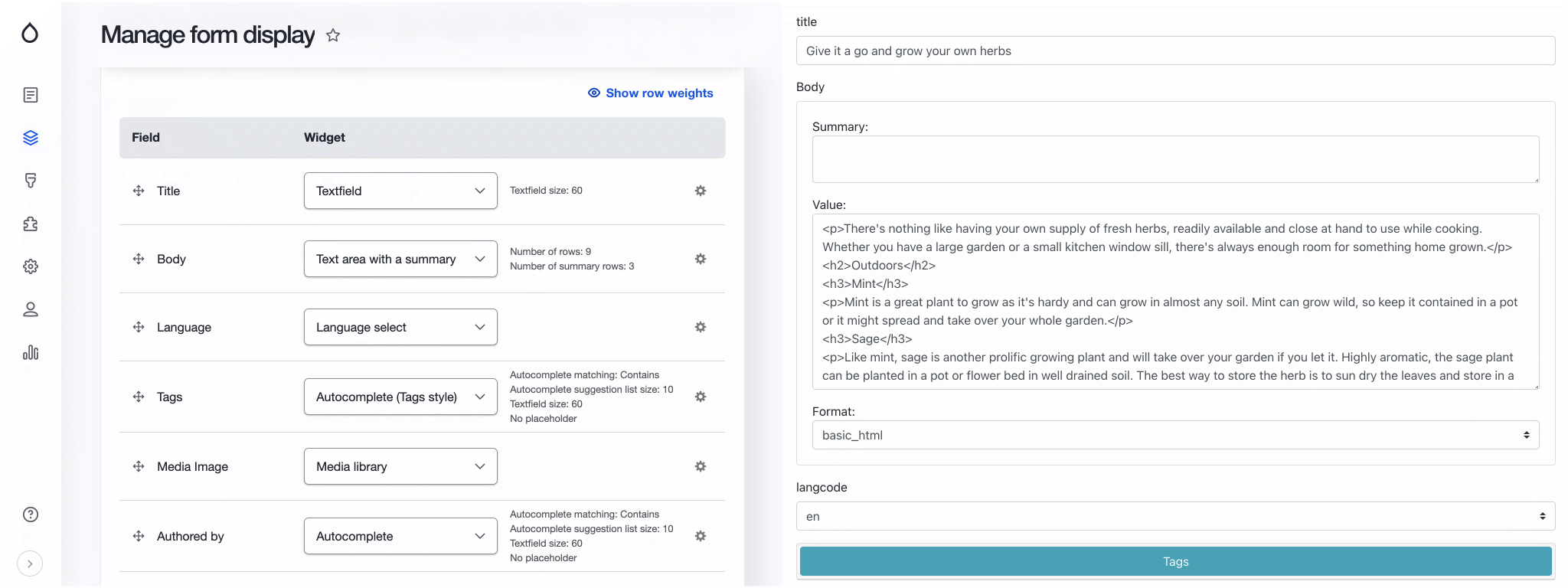
- For more details, refer to the DruxtEntityForm component API documentation.
Settings
Entity queries
Entity query settings can be provided to include related resources and filter the returned fields.
- fields: An array of strings, or an array of arrays. Formatted for the Drupal JSON:API Params
addFieldsmethod, used to filter the returned resource fields. - include: An array of relationship id's to include in the returned resources.
- schema: Boolean, if
truefields will be populated by the Drupal Display schema information.
Example: Wrapper component with Query settings:
<script>
export default {
  druxt: {
    query: {
      fields: ['title', 'path'],
      schema: true,
    },
  },
};
</script>
Example: DruxtEntity with settings property:
<template>
  <DruxtEntity
    :settings="{
      query: {
        include: ['field_media_image', 'field_media_image.field_media_image'],
        fields: [
          ['file--file', ['uri']],
          ['media--image', []],
        ],
      },
    }"
    type="node--recipe"
    :uuid="uuid"
  />
</template>
The default behaviour can be set via nuxt.config.js:
druxt: {
  entity: {
    query: {
      fields: ['path', 'title'], // Apply filter to all Entity queries.
      schema: true, // Filter by display mode field settings.
    },
  },
}
Router support
The DruxtEntity module provides a DruxtRouterEntity component that is used by the Druxt Router module to render a Content Entity route.
- For more details, see the Druxt Router module.
Storybook
DruxtEntity provides zero-config, auto-generated Storybook integration with a live data connection to your Druxt backend.
- For more details, see the Storybook guide.
Deprecations
The default DruxtField components are deprecated. See the deprecations page for what replaces them.
Package README
The full npm package README (features, badges, install) is mirrored as the generated package README page.